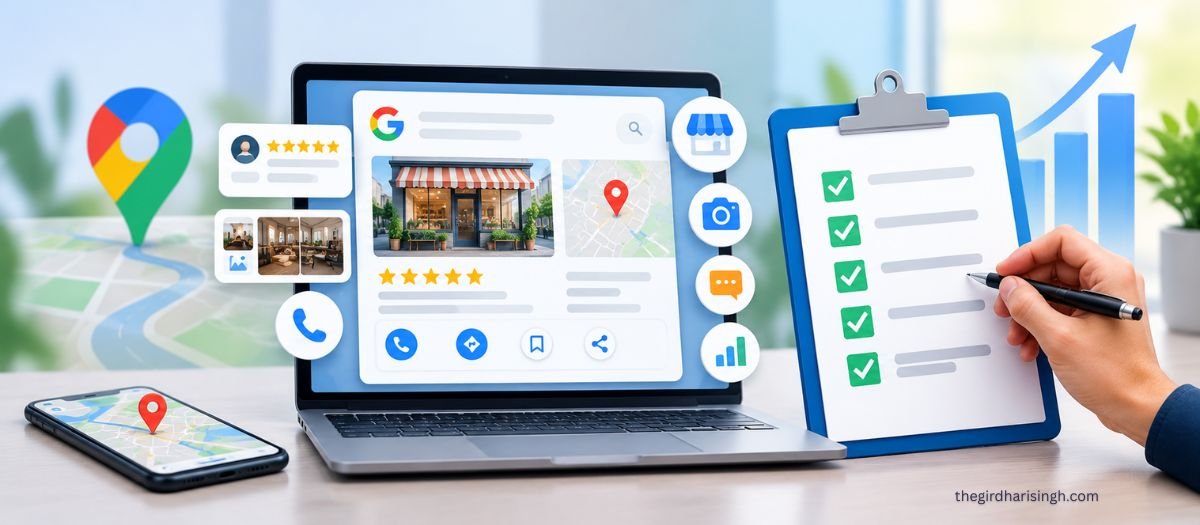
A Google Business Profile optimization checklist for 2026 has two halves that most guides mash together: the fields that change where you rank, and the fields that change whether someone calls you. Your primary category, review velocity and NAP consistency move rankings. Photos, hours, the description and the Q&A section move calls. Both matter, but if your profile is “complete” and still producing nothing, you’ve almost certainly filled in the second half and left the first half wrong.
This guide is for optimising a profile you already have and have already verified. If you’re setting one up from scratch, do that first, then come back.
What actually determines Google Business Profile rankings?
Three things, and one of them isn’t yours to control.
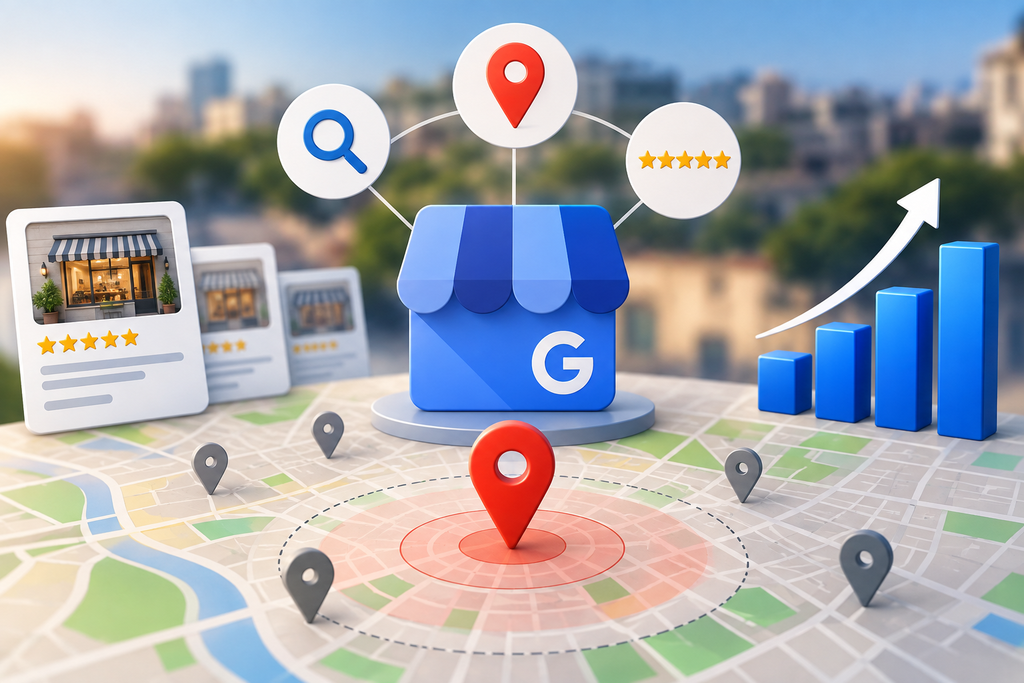
Google’s local algorithm weighs relevance (does your profile match the query), distance (how close you are to the searcher), and prominence (how well known and well reviewed you are). In Whitespark’s 2026 Local Search Ranking Factors survey — the annual expert survey that’s the closest thing the industry has to a public model — GBP signals account for roughly a third of local pack ranking weight, review signals for around 16–20%, on-page factors for about 19% and links for around 11%.
Proximity is the heavyweight, and you cannot optimise it. A mediocre business two streets from the searcher routinely outranks a better one five kilometres away.
That single fact should change your strategy. Stop trying to rank city-wide for “best CA in Jaipur.” Win your 3–5 km radius decisively, then use location landing pages on your website — not your GBP — to reach further out.
Part 1: The fields that move your ranking
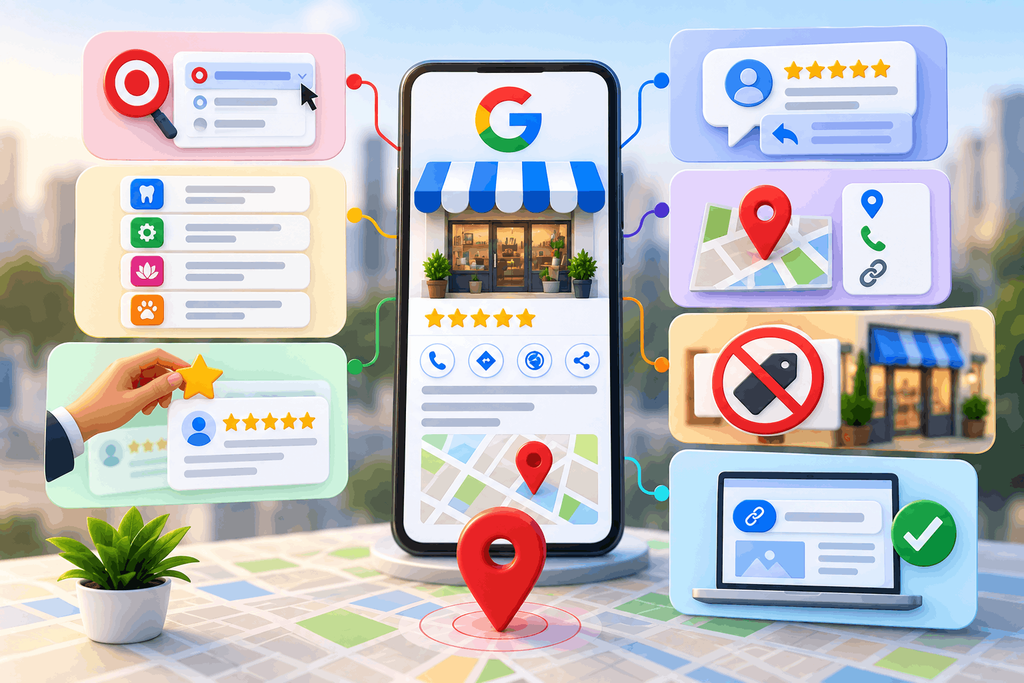
Do these seven first. They’re ordered by impact.
- Set your primary category to the most specific accurate match, not the broadest one. This is the single strongest individual relevance signal in local search. “Cosmetic Dentist” and “Dentist” pull different results. Pick the category that describes what you actually want to be found for, then add secondary categories for everything else you do. Change one thing at a time and note the date — primary category is also the highest-risk edit on the profile, and if you change three fields at once you’ll never know what moved.
- Add every service you offer as a separate service entry. Not one blob. Each entry is a relevance signal, and it’s how you get matched to specific queries. The Birdeye State of Google Business Profiles 2026 report found 86% of profile impressions come from category-style “near me” searches rather than people looking you up by name, which means these fields do more work than your business name does.
- Build reviews at a steady rate, not in bursts. Review velocity — a consistent flow of new reviews — carries more weight than a static total. Five to eight a month, every month, beats fifty in one week during a campaign. Bulk collection also trips Google’s filters, and filtered reviews don’t count for anything.
- Reply to reviews, and aim for a response rate above 80%. Response rate is a signal in its own right, and it’s one of the cheapest wins available. Reply to the bad ones too, briefly and without arguing.
- Make your NAP identical everywhere. Name, address and phone must match character-for-character across your website, GBP, Justdial, IndiaMART, Sulekha and any old directory listing. Conflicting entity data suppresses local visibility more reliably than almost anything else on this list.
- Do not put keywords in your business name. “Sharma Dental Clinic — Best Dentist in Jaipur | Root Canal Specialist” works until enforcement catches it, and then you lose the listing during reinstatement, which takes weeks and always seems to happen in your busiest month. Use your real, signage-matching legal name.
- Point your GBP website link at a matching page. If your primary category is “Physiotherapist” and the link goes to a generic homepage covering six services, you’ve weakened the relevance signal. Link to the page that matches the category, with the city named on it.
Part 2: The fields that move calls, not rankings
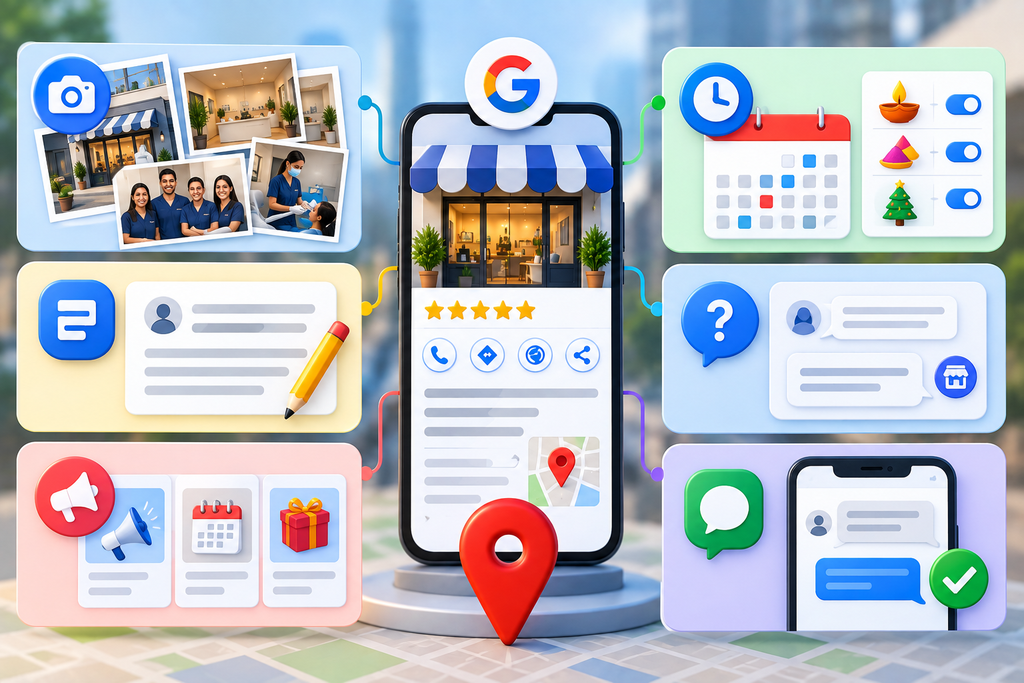
These barely affect where you appear. They heavily affect what happens when you do appear.
- Add real photos, and keep adding them. The same Birdeye report found the average verified profile has fewer than one photo. That’s not a typo, and it’s an absurdly low bar to clear. Interior, exterior, team, work in progress. Ten good photos beat a hundred stock ones.
- Fix your hours, including special hours for festivals. Wrong Diwali or Holi hours tell a ready-to-buy customer you’re closed. This is the most expensive omission on the entire list and it takes four minutes to fix.
- Write the description for a human, not for the algorithm. The 750-character description isn’t a meaningful ranking field. It’s read by people deciding between you and two competitors. Say who you serve, what you specialise in, and what makes you different. Stuffing it with keywords does nothing except make it worse to read.
- Seed and monitor the Q&A section. You can post questions and answer them yourself. Add the five things people ask before booking — parking, timings, payment methods, whether you serve their area, minimum order. Check it monthly, because anyone can answer a question on your listing, and a wrong answer from a stranger sits there indefinitely.
- Use Google Posts for conversion, not for rankings. A controlled nine-week study by Sterling Sky tracking 441 keywords found no ranking movement from Posts. They still earn attention from someone already looking at your profile, so post offers, events and updates — but stop treating weekly posting as a ranking task and stop paying an agency to do it as one.
- Turn on messaging only if someone will actually reply. An unanswered chat is worse than no chat button. If nobody is monitoring it during business hours, leave it off.
What goes wrong when businesses optimise their GBP
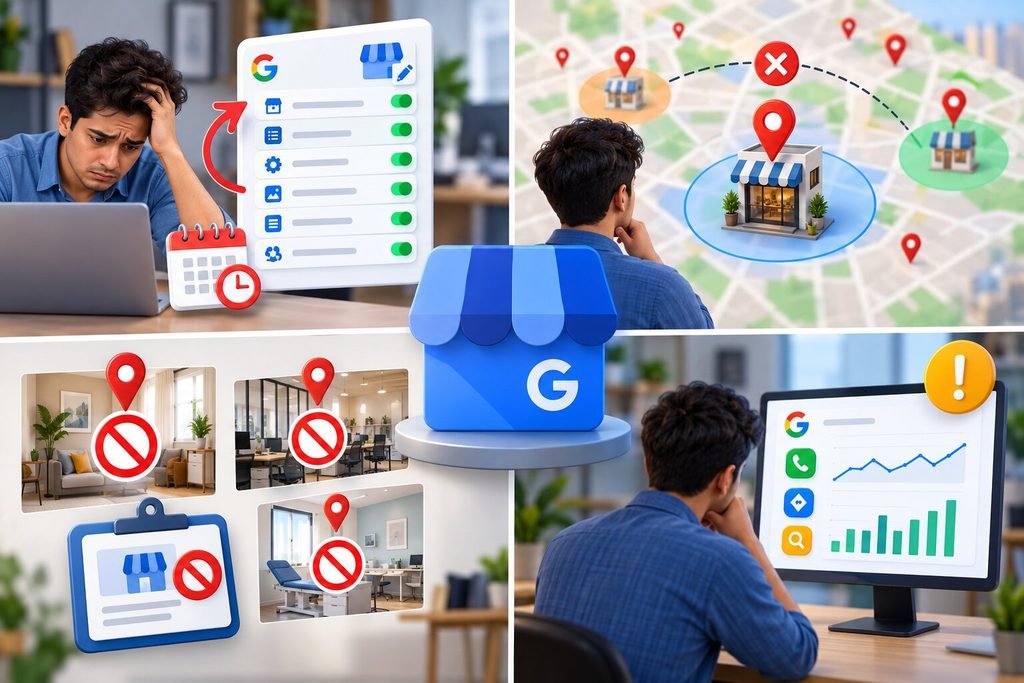
They change five things in one week and learn nothing. Local rankings move slowly and noisily. If you edit category, name, description and services together and rankings shift, you have no idea which edit did it, and no way to undo the damaging one. One change, note the date, wait two weeks.
They chase a rank they can’t have. A profile in Malviya Nagar isn’t going to own the map pack for searches happening in Vaishali Nagar, because proximity dominates. Businesses burn months and money on this. Accept the radius, dominate it, and use your website for the rest of the city.
They optimise a listing that’s structurally at risk. A coworking desk, a residential flat with no signage, a shared clinic room used two days a week — these get flagged and suspended. Suspension removes you from local search entirely, and reinstatement is slow. If you don’t have a staffed address customers can visit, run it as a service-area business instead and hide the address, which is Google’s own recommended approach.
They ignore the Insights tab. GBP reports calls, direction requests and searches that found you. Almost nobody opens it. Those numbers are the only honest feedback loop you have on whether any of this worked.
Optimize Your Google Business Profile/h3>
Improve your local visibility and attract more customers.
Optimize Your GBP No obligation. Straight talk only.Frequently asked questions
What is the most important Google Business Profile ranking factor?
Proximity to the searcher carries the most weight in local pack rankings, but you can’t control it. Of the factors you can control, your primary category is the strongest single signal, followed by review signals — quantity, velocity and your response rate — and consistent NAP data across the web.
Do Google Posts improve rankings?
No. A controlled nine-week study by Sterling Sky across 441 keywords found no ranking movement attributable to Posts. They’re worth publishing for conversion, since they’re visible to someone already viewing your profile, but they shouldn’t be treated or billed as a ranking activity.
How many photos should a Google Business Profile have?
There’s no threshold that triggers a ranking change, but the practical bar is low: Birdeye’s 2026 report found the average verified profile has fewer than one photo. Ten to twenty genuine photos, refreshed occasionally, puts you ahead of most competitors and measurably improves the odds someone calls.
How often should I update my Google Business Profile?
Review your hours monthly and before every festival, reply to reviews within a few days, add photos every few weeks, and audit categories and services quarterly. Treat it as maintenance, not a one-time project.
Can I rank in a different area from my business address?
Not reliably in the map pack, because distance is weighted so heavily. The workable route is city or locality landing pages on your website targeting local organic results, plus a service-area configuration on your profile if you genuinely deliver at customer locations.
Want this handled for you? My local SEO services cover Google Business Profile setup, reviews and map pack visibility end to end.