LocalBusiness schema resolves your entity. It tells machines that this name, this address and this phone number belong to one business. It does not feed ChatGPT, and Google says so in writing. Done properly it is one block on one page, tying your premises, your company and a named person together, matching what visitors see.
The mistake I see most often is treating this as an AI play. Someone sells a client “AI schema” and reports it as ChatGPT visibility work. That is not what happens. The markup is worth adding for a duller reason that holds up better.
What does Local Business schema actually do, and what does it not do?
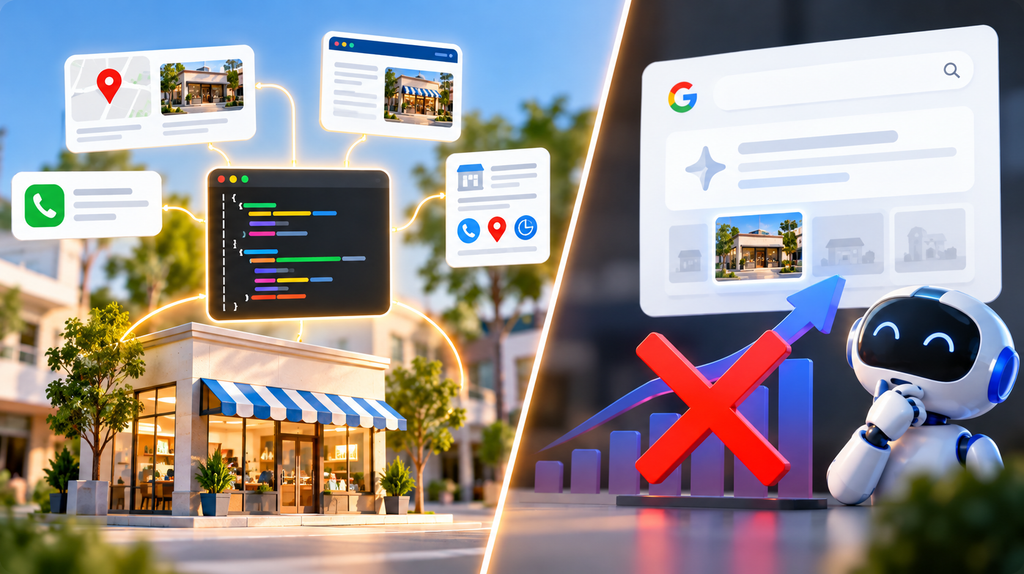
Here is the part people do not want to hear. Google’s AI features documentation states: “There are no additional requirements to appear in AI Overviews or AI Mode, nor other special optimizations necessary,” adding that “you don’t need to create new machine readable files, AI text files, or markup to appear in these features,” with “no special schema.org structured data that you need to add” (Google Search Central, updated 10 December 2025).
That is Google saying schema is not the AI lever. It matches my schema markup guide for AEO and GEO: engines read your rendered page text, and schema is the consistency layer underneath.
So why bother? Entity resolution is real and slow. When your name, address and phone match across your markup, your page and your Google Business Profile, machines stop guessing whether you are one business or three. That consistency is what AEO and GEO work sits on.
Google is honest about the ceiling: “Google does not guarantee that your structured data will show up in search results, even if your page is marked up correctly” (structured data guidelines, updated 10 July 2026).
- Explore Now:- The Local SEO Audit Checklist
Which details does Google actually require?
Google’s LocalBusiness documentation lists the business name and postal address as required. Everything else — ratings, map coordinates, opening hours, price range, reviews, telephone, page URL — is recommended, not mandatory (Google Search Central, updated 8 September 2026).
What each field should contain for an Indian business. Hand this to whoever implements it.
| Field | What goes in it | Indian specifics |
|---|---|---|
| Business name | Legal or trading name | Exact match with your Google Business Profile |
| Street address | Building, street, area | The locality line people use |
| City | Town or city only | Jaipur, not “Jaipur City” |
| State | Full state name | Rajasthan — spelled out, no code |
| PIN code | Six digits | Stored as text, never a number |
| Country | Two-letter code | IN |
| Telephone | Primary number | Country code first, no spaces |
| Map coordinates | Latitude, longitude | Five or more decimal places |
| Price range | A rough band | A symbol band or a rupee range |
| Opening hours | Days and times | 24-hour clock; IST assumed |
| Page URL | The canonical URL | The page the markup sits on |
One rule sits above these. Google states: “Don’t mark up content that is not visible to readers of the page.” If the phone number is in your markup but nowhere on the page, either remove it or add it. I prefer adding it.
How should the three entities connect?
This is the part almost everyone skips. It separates markup that validates from markup that resolves.
Most sites end up with three disconnected descriptions: one for the business, one for the company, one for the owner. Nothing points at anything else, so a parser sees three unrelated objects.
The fix is to give each entity a stable identifier and have them reference each other by it — the single-graph pattern, as your developer will know it.
| Entity | What it represents | What it points at |
|---|---|---|
| Organisation | The company, its logo and verified profile links | Nothing upward — everything points at it |
| Local business | This premises: address, phone, hours, coverage | Its parent company and the founder |
| Person | A named human, with job title and profile link | The organisation they work for |
Give every entity a permanent identifier. It looks like a web address with a fragment on the end and does not have to open in a browser. It is a naming handle, and it must never change once other things reference it.
Use the most specific business type available. Schema.org defines types for dentists, plumbers, vehicle repair shops, estate agents and dozens more. Specific carries more meaning.
Name a real person. A founder with a job title and a live profile link is the machine-readable half of E-E-A-T. An owner field containing “Admin” wastes the strongest signal you have.
- Explore Now:- Local SEO for Dentists in India
How do you handle service areas correctly?
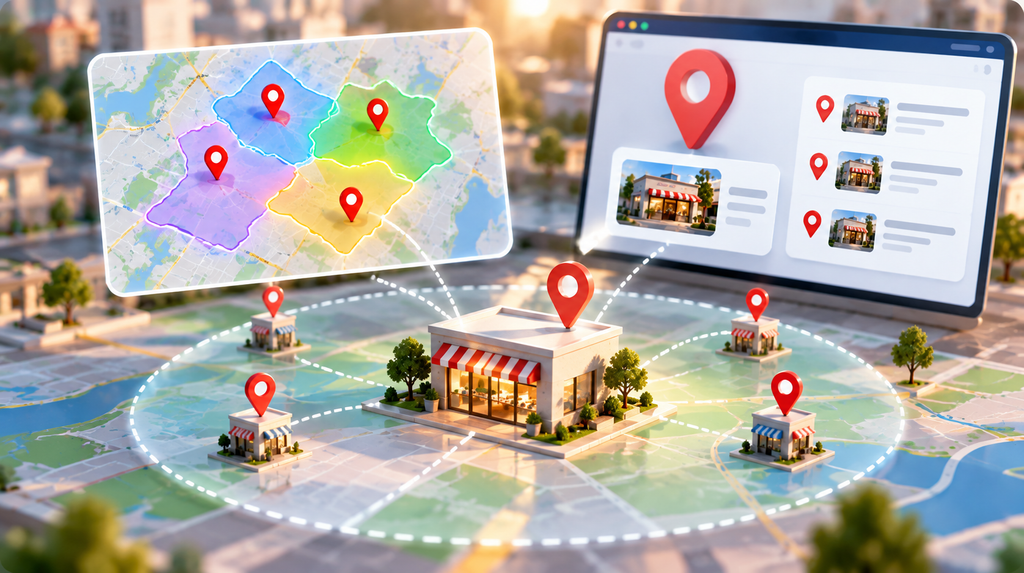
Schema.org defines the service-area field as “the geographic area where a service or offered item is provided,” accepting four kinds of value: an administrative area, a mapped shape, a place, or plain text (schema.org). Its list of applicable types names the organisation type, not local business — but local business is a subtype of organisation, so it inherits the field and using it is valid.
Three things follow, and the third is the one people argue with.
- Name each area as a proper place, not a comma-separated sentence. “Jaipur, Ajmer, Kota” as one line of text is legal and tells a parser almost nothing. Each as a distinct city or district is unambiguous.
- Do not list areas you do not serve. Inflating coverage while your Google Business Profile says something narrower creates the inconsistency the markup exists to prevent.
- The service-area field is not in Google’s LocalBusiness documentation at all. It will not change your search appearance. I still include it, because the block’s job is entity clarity for every parser, not Google’s rich results alone.
Point three is where a competent SEO will disagree. The counter is fair: if Google does not document it, why ship it? My answer is that Google’s docs are a subset of schema.org, and the parsers that matter for local intent are wider than one result.
- Explore Now:- Local SEO for Lawyers and Law Firms in India
What breaks in practice on Indian sites?
Two conflicting blocks. A WordPress SEO plugin produces one description, a developer hand-builds another, and they disagree on the business name. Check for duplicates before adding anything new.
Phone number format. Landline format in the markup, international on the page, or the reverse. Use one international format in the markup and display it however you like.
PIN code stored as a number. Harmless until a PIN starts with zero, which silently loses its first digit. Always store it as text.
Name drift from the Google Business Profile. Markup says “Example Services Pvt Ltd”, the profile says “Example Services”. The most common inconsistency on MSME sites, and a five-minute fix.
Added through Google Tag Manager. Google usually still reads it. Most AI crawlers do not run JavaScript, so tag-manager markup is invisible to exactly the parsers you added it for. It belongs in the page source your server sends.
Who should not bother with this?
Three situations where I tell people to spend time elsewhere.
You have no Google Business Profile yet. Create and verify one first. The profile is the stronger local signal, and the markup’s job is partly to agree with it.
Your name, address and phone are inconsistent across the web. Fix your directory listings first. Markup that agrees with your page but disagrees with fifty directories resolves nothing.
You are pure e-commerce or national SaaS with no premises. Organisation and product markup is what you need. Claiming a local business with no real address is misrepresentation, which Google’s guidelines prohibit.
I changed my mind on one thing. I used to add aggregate star ratings by default. I stopped: marking up ratings not displayed on the page is a spam policy violation, and the star rating it chases is not worth a manual action.
- Explore Now:- Local SEO for Gyms and Fitness Studios in India
Where should you start in the next ten minutes?
Open your homepage, view the page source, and search it for “ld+json”. Count how many times it appears.
More than one? Check each block agrees on your business name and address. Conflicting descriptions are the most common problem and the cheapest fix. Zero? Your markup loads after the page, and no crawler that skips JavaScript sees it.
Ten minutes, and it tells you whether the problem is implementation or content before anyone writes anything.
If you want the entity connections built properly across a site rather than one block bolted on, that is part of how I approach AEO and GEO work for Indian businesses — get in touch with your homepage URL and I will tell you what is there.
Want Better Local Search Visibility?
Use LocalBusiness Schema to make your business information clearer.
Improve Your Local SEO. No obligation. Contact us today.Frequently asked questions
Does LocalBusiness schema help you rank higher?
Not directly. Google’s guidelines say structured data enables features rather than guaranteeing them, and correct markup guarantees no search appearance. What it does reliably is make your business facts unambiguous across your page, markup and Google Business Profile. A consistency layer, not a ranking tactic.
Do ChatGPT and Perplexity read LocalBusiness schema?
Not meaningfully. Google’s AI features documentation says no special schema.org structured data is needed for AI Overviews or AI Mode. AI engines work mainly from rendered page text. Schema helps indirectly, by resolving your entity — shaping how search systems understand who you are before an answer is assembled.
Should the markup go on the homepage or the contact page?
Whichever page carries your visible name, address and phone. For most MSMEs that is the homepage or a contact page. Put it on one, not both, and have other pages reference it rather than repeat it. Duplicated descriptions drift apart and cause problems.
Can I use LocalBusiness schema without a physical address?
No. The address is one of only two required details in Google’s LocalBusiness documentation. With no premises, use organisation markup and describe coverage with the service-area field. Claiming a local business without a real address risks misrepresentation under Google’s structured data guidelines, which prohibit markup that misstates your business.
How do I check whether my markup is correct?
Use two tools, because they catch different things. Google’s Rich Results Test says whether Google sees a supported feature, and ignores what it does not use. The schema.org validator flags invalid field names and value types Google’s tool passes over. Then check the page source to confirm your server delivers it.